Ga naar inhoud
Inloggen →
Sidebar tonen Sidebar tonen

Erelijst

Populaire inhoud

Toont inhoud met de hoogste reputatie op 11/12/18 in Berichten
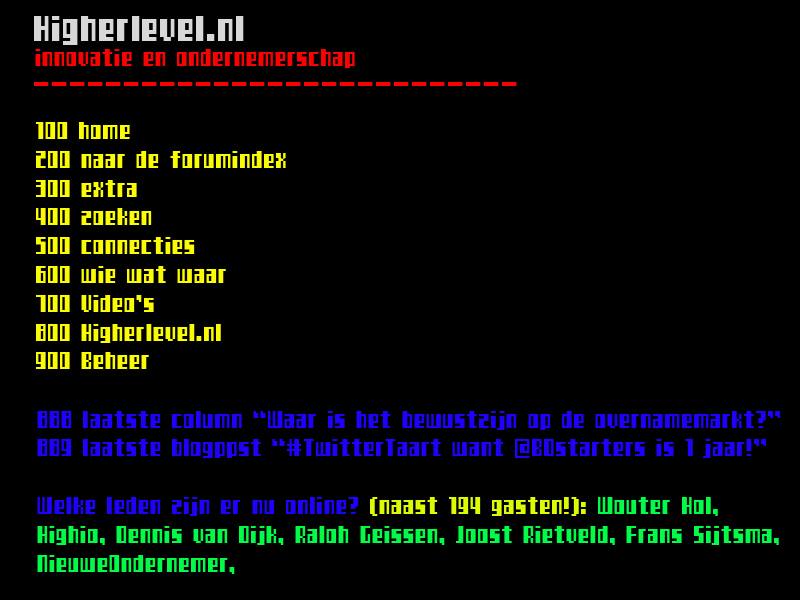
  1. Geduld is een schone zaak, nog 3 nachtjes slapen :) Onderstaand als teaser alvast een retrodesign dat het niet heeft gehaald (maar wel handig op zowel TV als in een App past):
Deze erelijst is ingesteld op Amsterdam/GMT+02:00

Account

Navigation

Zoeken

Zoeken

Configure browser push notifications

Chrome (Android)
  1. Tap the lock icon next to the address bar.
  2. Tap Permissions → Notifications.
  3. Adjust your preference.
Chrome (Desktop)
  1. Click the padlock icon in the address bar.
  2. Select Site settings.
  3. Find Notifications and adjust your preference.