Ga naar inhoud
Inloggen →
Sidebar tonen Sidebar tonen

Erelijst

Populaire inhoud

Toont inhoud met de hoogste reputatie op 10/12/18 in Berichten
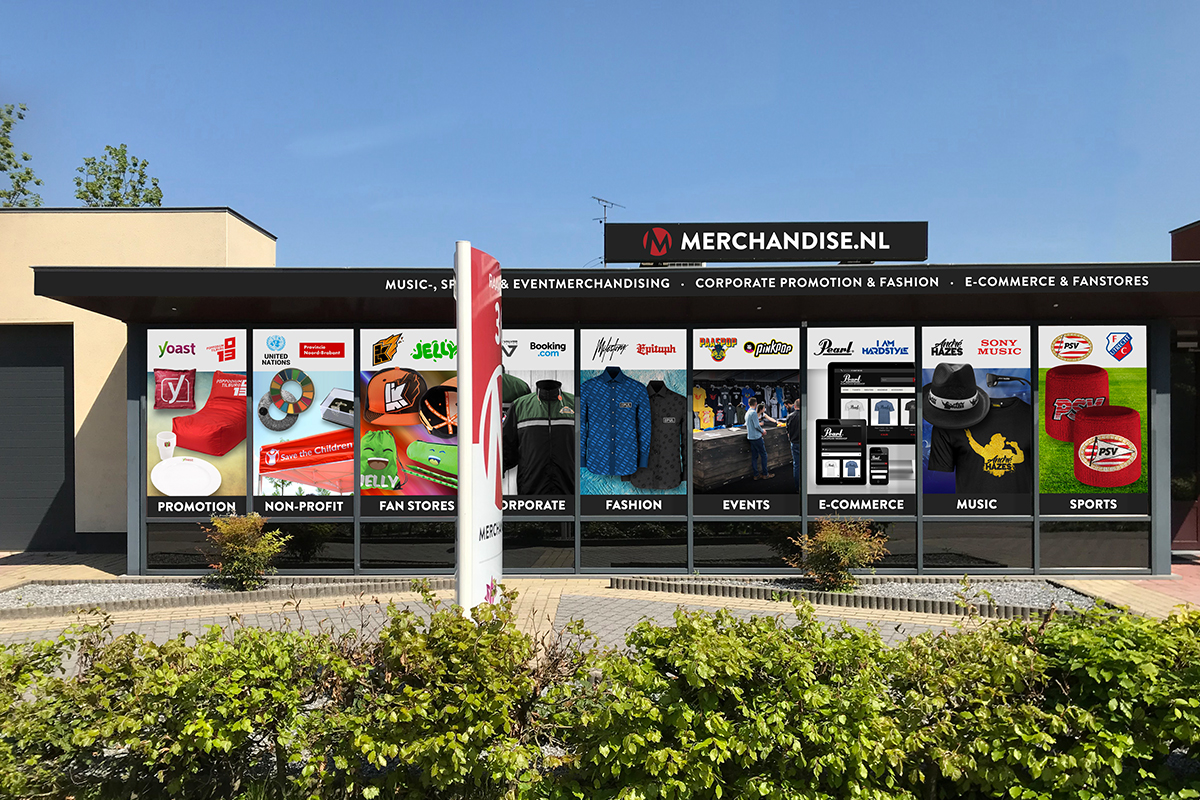
  1. Erg blij met onze nieuwe belettering en trots op de nieuwe site (eerste link in handtekening dus), waar we hier de afgelopen maanden allemaal heul hard aan gewerkt hebben :)
Deze erelijst is ingesteld op Amsterdam/GMT+02:00

Account

Navigation

Zoeken

Zoeken

Configure browser push notifications

Chrome (Android)
  1. Tap the lock icon next to the address bar.
  2. Tap Permissions → Notifications.
  3. Adjust your preference.
Chrome (Desktop)
  1. Click the padlock icon in the address bar.
  2. Select Site settings.
  3. Find Notifications and adjust your preference.