Sidebar tonen 
# Marketing
-
- 1 reactie
- 986 weergaven
-
- 1 reactie
- 2388 weergaven
-
- 16 reacties
- 6536 weergaven
-
- 16 reacties
- 10323 weergaven
-
- 4 reacties
- 6999 weergaven
-
- 16 reacties
- 4281 weergaven
-
- 14 reacties
- 5201 weergaven
-
- 109 reacties
- 53552 weergaven
-
- 9 reacties
- 5201 weergaven
-
- 1032 reacties
- 525382 weergaven
-
- 1143 reacties
- 411829 weergaven
-
- 1 reactie
- 7449 weergaven




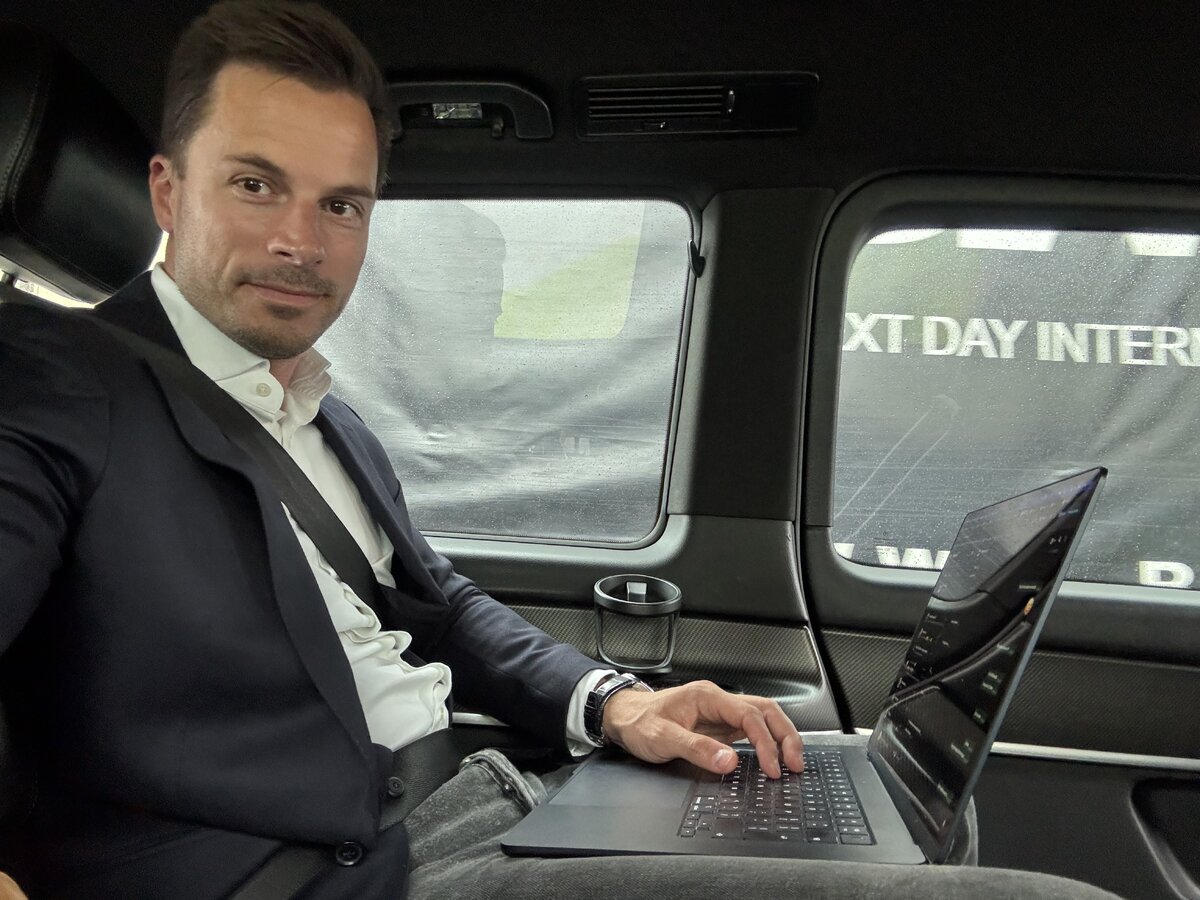






![[centraal boekentopic] Wat is interessant leesvoer voor ondernemers?](https://www.higherlevel.nl/uploads/monthly_2016_03/bijdehandjes.jpg.4f27cdbe62220a227174039919c1e8a4.jpg)